
目前LINE Messaging API 已經不支援 LIFF
需要建立 LINE Login
這是官方提供的方法,並不是亂搞
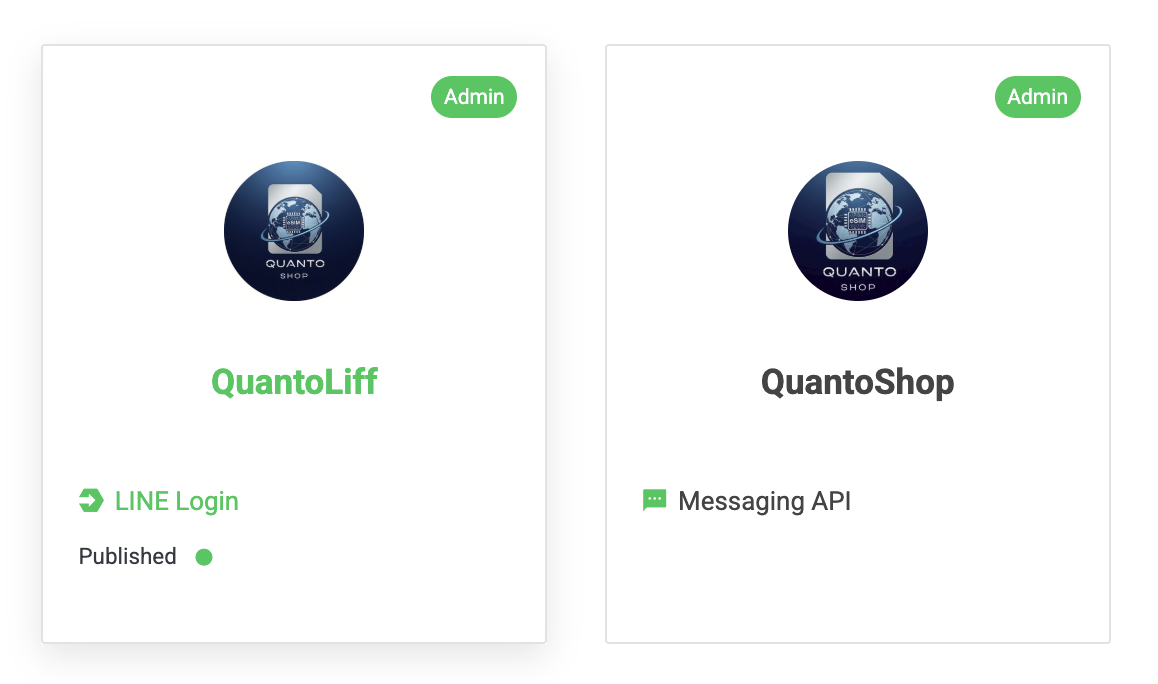
只要是帳號內的 LINE Login 建立的LIFF ,都可以在同帳號內的Messaging API 使用,沒問題!
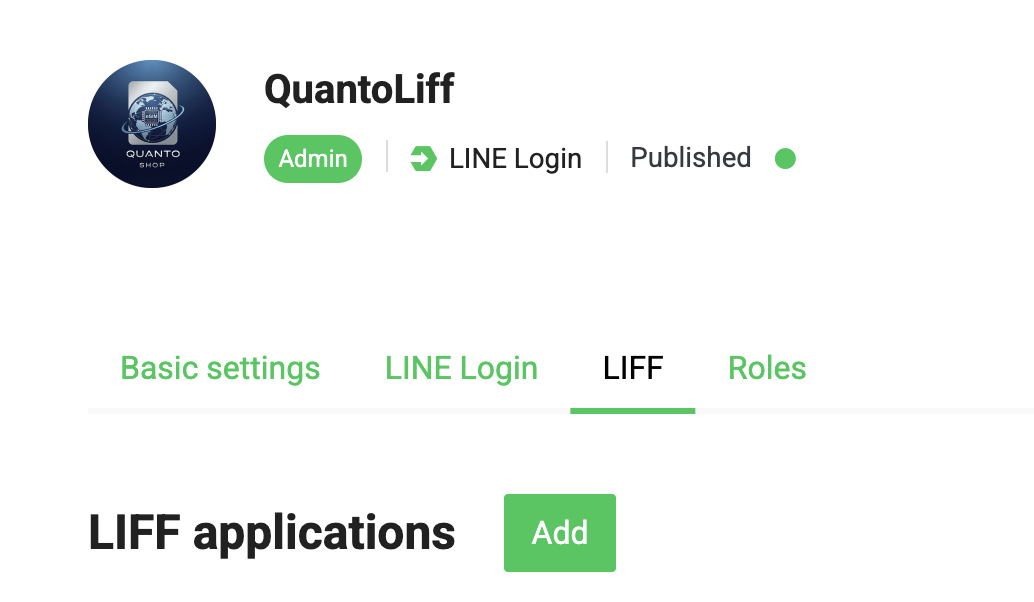
建立方法挺簡單的,到LIFF 頁面按 Add
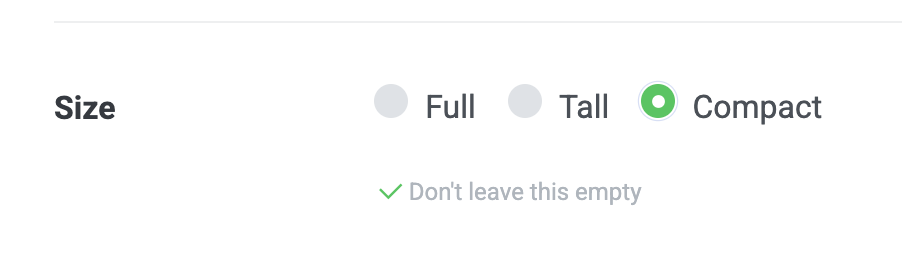
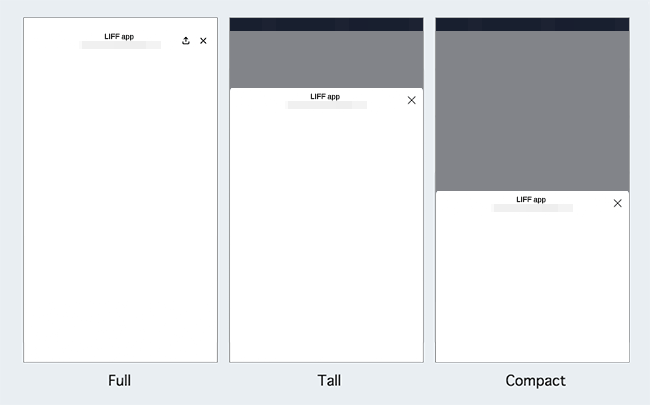
Full 就是全螢幕,Tall 大概3/4 ,Compact 是半個螢幕。
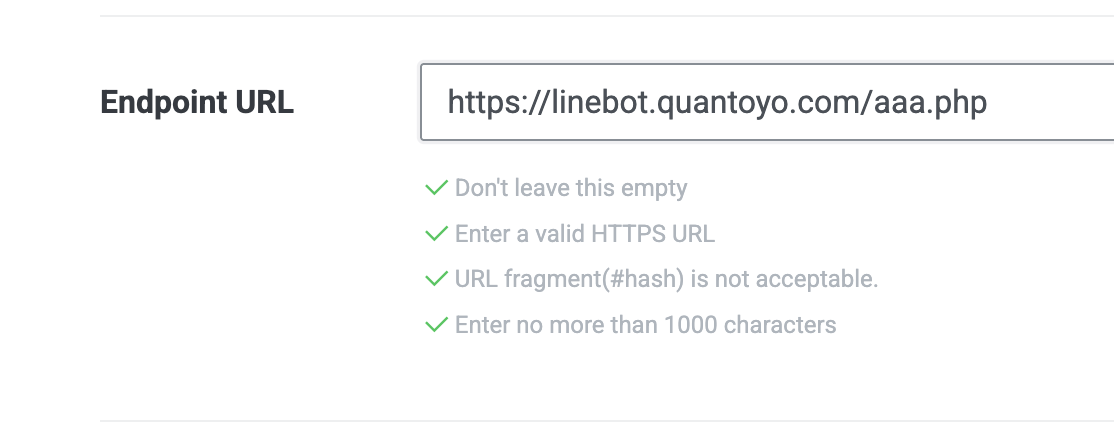
這邊需要有自己的domain,並且一定要有SSL 連線 (https)
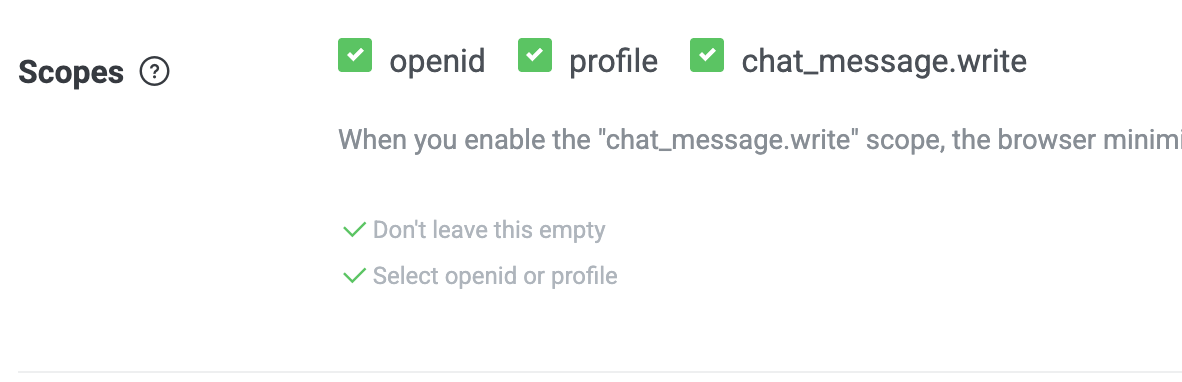
openid:可以在頁面內取得ID
liff.getIDToken()
liff.getDecodedIDToken()
profile:可以在頁面內取得開啟的使用者的資訊
liff.getProfile() =====> 這個特別重要
liff.getFriendship()
chat_message.write: 如果想在網頁替 使用者在 LINE 聊天室送訊息,要勾這個
liff.sendMessages() ======> 這也很常用

新增後會拿到 LIFF ID 跟 URL
LIFF URL 會將網頁導到我們設定的網址。
使用時,將LIFF ID 放到js 內
<!DOCTYPE html>
<html lang="zh-Hant">
<head>
<meta charset="utf-8">
<title>選擇天數</title>
<script src="https://static.line-scdn.net/liff/edge/2/sdk.js"></script>
<meta name="viewport" content="width=device-width, initial-scale=1">

<style>
body {
  font-family: "Noto Sans TC", "Microsoft JhengHei", sans-serif;
  background: linear-gradient(180deg, #f3f8ff, #e9f0fa);
  margin: 0;
  padding: 0;
  display: flex;
  justify-content: center;
  align-items: center;
  min-height: 100vh;
}

.card {
  background: #fff;
  border-radius: 16px;
  box-shadow: 0 4px 15px rgba(0,0,0,0.1);
  padding: 30px 25px;
  max-width: 340px;
  width: 90%;
  text-align: center;
}

h2 {
  color: #333;
  font-size: 20px;
  margin-bottom: 15px;
}

p {
  color: #555;
  font-size: 16px;
  margin-bottom: 20px;
}

select {
  width: 100%;
  padding: 10px 12px;
  font-size: 16px;
  border: 1px solid #ccc;
  border-radius: 8px;
  outline: none;
  appearance: none;
  background-color: #fafafa;
  margin-bottom: 25px;
  transition: all 0.2s ease;
}

select:focus {
  border-color: #007bff;
  box-shadow: 0 0 4px rgba(0, 123, 255, 0.4);
}

button {
  width: 100%;
  background: #007bff;
  color: white;
  border: none;
  padding: 12px;
  font-size: 16px;
  border-radius: 10px;
  cursor: pointer;
  transition: background 0.3s ease;
}

button:hover {
  background: #0056b3;
}
</style>
</head>
<body>
  <div class="card">
    <h2>請選擇想購買的天數</h2>
    <h4>需要50元以上訂單才可以刷卡</h4>
    <p>方案:<span id="title"></span></p>
    <select id="days"></select>
    <button id="submit">送出</button>
  </div>

<script>
const liffId = "2008370198-1502eNr8"; // 換成你的 LIFF ID

async function main() {
  await liff.init({ liffId });
  const urlParams = new URLSearchParams(window.location.search);
  const title = urlParams.get('title');
  const plan = urlParams.get('plan');
  const NTD = urlParams.get('NTDPerDay');
  const limitNTD = urlParams.get('limitNTD');
  document.getElementById('title').textContent = title || "未知方案";

  // 建立下拉選單 (1~365)
  const select = document.getElementById('days');
  for (let i = 1; i <= 365; i++) {
    const opt = document.createElement('option');
    opt.value = i;
    opt.textContent = `${i} 天     共${i*NTD}元`;
    if(i*NTD >= limitNTD){
        select.appendChild(opt);
    }
  }

  document.getElementById('submit').onclick = async () => {
    const days = select.value;
    const msg = `方案:${title}\n天數:${days} 天\n代碼:${plan}@${days}`;

    try {
      await liff.sendMessages([{ type: "text", text: msg }]);
      alert("✅ 已送出選擇,請回到 Line 查看結果");
      liff.closeWindow();
    } catch (e) {
      console.error("sendMessages error:", e);
      alert("❌ 發送失敗:" + e.message);
    }
  };
}

main();
</script>
</body>
</html>
以上就是一個簡單的範例。
 (async function initLiff() {
        try {
            await liff.init({ liffId: LIFF_ID });

            // 1. 如果沒登入,先登入
            if (!liff.isLoggedIn()) {
                liff.login();
                return; // 登入會跳轉,這裡停止執行
            }
            // 2. 取得使用者資料
            const profile = await liff.getProfile();
            const currentUserId = profile.userId;
            const currentUserName = profile.displayName;
        } catch (error) {
            console.error("LIFF 初始化失敗", error);
        }
    })();
也可以改成這樣,取得 profile 後,就可以拿到userId 跟 顯示的名字。